I made the delivery, but where is the confirmation that I received it?
Approximately 4 minutes to readBlueCanvas
Can I just change the company name on the quotation form and use it as a transaction statement?
Not recommended. Since the quotation is a document that proposes conditions before giving, it has an expiration date, delivery date, and payment terms, and there is no space for the consignee's signature to indicate that the recipient has confirmed it. Since the transaction statement is a document in which details are left after delivery, the registration number, representative, address of the receiving party and the signature of the consignee are opened together. However, neither document replaces a tax invoice.
Key takeaways
Delivery is over There is no confirmation left anywhere that it was received. Things happen. If the only paper you have in hand is a quote, then yes.
A quotation is a document that suggests conditions before giving, and a transaction statement is a document that leaves details after giving. The standing positions are different.
Therefore, only the transaction statement contains the registration number, representative, and address of the receiving party. Consignee's signature lineThere is this. However, neither document replaces a tax invoice.
Delivery has been completed, but there is no confirmation left.
All items have been sent. However, there was a delay in discussing the payment, and the other party said they needed to check if the quantity was correct. If you look for paper that you can take out on the spot, you may find that there is only one quotation sheet.
The quotation states what we will give you and for how much. What we suggestThis is written. What and how much did you actually give? who received it and whenis not written. This is because there is no place for the recipient to indicate that they have confirmed it.
Just open the quote file you used and change the title.
The quickest way is to open the quotation file you used and change the title to “Transaction Statement.” Familiar and fast. However, the space on the paper that was written before giving it to you still remains.
expiration period — This is the space to write how long the offer is valid. It has no meaning after you have already given it.
Delivery date — This is a promise to give forever. Confusion will arise if documents remain after delivery.
Payment terms — Conditions for the proposal stage. Actual settlement conditions may differ.
And there is no space that is actually needed. The recipient writes, “I received it as is.” Consignee's signature lineThis quote form is not included in the first place.
The positions of the two documents are different
In the flow from proposal → order → delivery → settlement, the two documents stand at different points. So the fields that are asked also change. If you open the two BLUE FORM forms side by side and compare the input fields, the item table and supplier information will be the same, but will be different in the next field.
Quotation not yet confirmed conditionasks. A transaction statement is a transaction that has already occurred. opponentasks. This is why the recipient's business information is written down and why there is a recipient's signature at the bottom.
However, what the form does not do for you
If you get the buyer's signature on the transaction statement, you will have a piece of paper to pull out later if they say, "I never received it." Please do not expand beyond that.
Neither document replaces a tax invoice. Tax invoice must be issued separately.
A signature does not automatically confirm your billing. The actual effect is determined by looking at the contract contents and other evidence.
What the form does Prepare a space in advance to write that the recipient has confirmedThat's it. That one space later becomes the starting point of the story.
There is only one thing to decide today
Before choosing a format, you need to decide on your purpose.
Is this the place to propose an amount before giving it to you yet? Then there is the quote. Include the expiration date, delivery date, and payment terms.
Is this a place where you need to confirm that you have already given and received? Then it is a transaction statement. The recipient's business information and the recipient's signature will open together.
Both formats are BlueCanvas. BLUE FORM You can fill it out right on the screen and receive it in PDF or Word without registering or paying.
Full video subtitles (6 scenes)
Where is the confirmation that I received it?
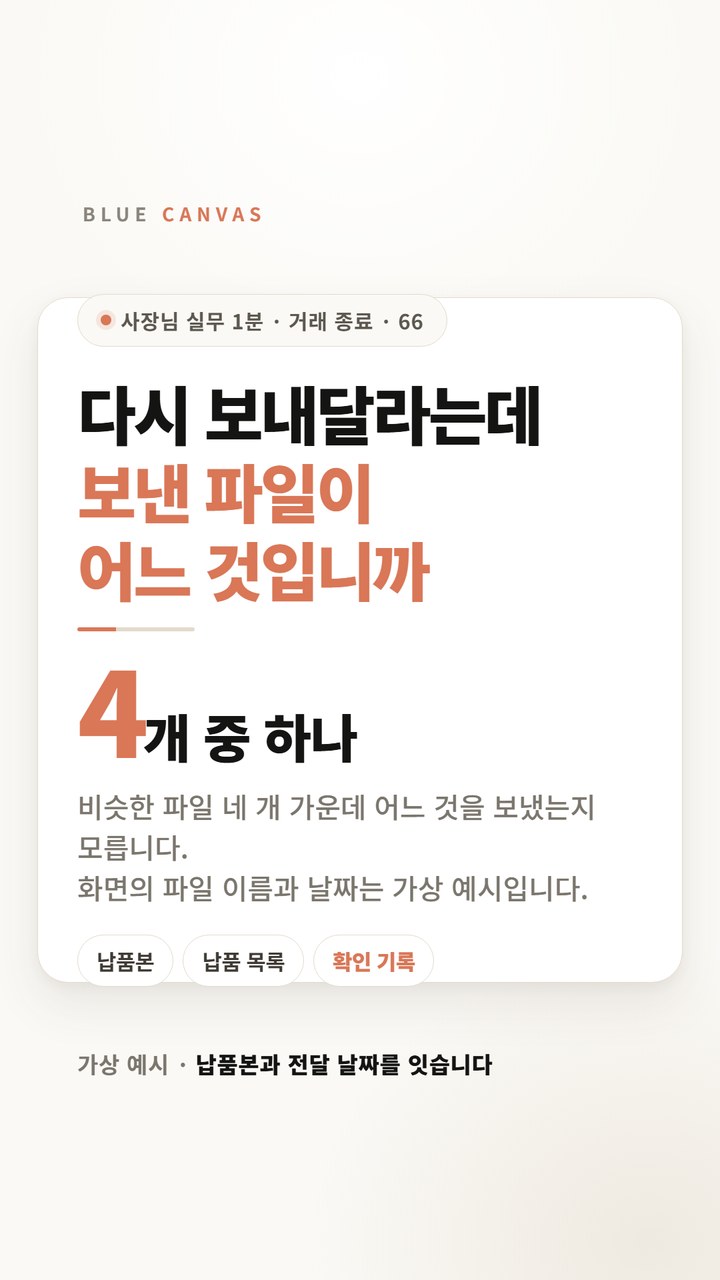
I sent all the items, but where is the confirmation that I received them? All I have left in my hand is a quote.
Delivery has been completed, but there is no confirmation left.
All items have been sent, but payment is delayed. There is no indication that the recipient has confirmed it.
Open the quote file and change only the title.
You can also open the quote file and change just the title. The expiration date and delivery date remain on the paper, and there is no checkbox indicating that it has actually been received.
When you open the transaction statement, the column changes.
When you open the transaction statement in BLUE FORM, the same product name and quantity are entered as is, and a consignee signature line appears at the bottom.
Even if you put the same item, the standing position is different.
The terms and conditions are proposed before sending the quotation, and the details are left after sending the transaction statement. So the questions asked are different.
Set your purpose first
First decide whether you want to send a price proposal or a confirmation of delivery and receipt, then open the form appropriate for that purpose.
Frequently Asked Questions
Can I just change the company name on the quotation form and use it as a transaction statement?
Not recommended. It's not because there's a rule prohibiting the format, it's because the paper doesn't have the necessary spaces. In the quotation form, there are still spaces that were used before delivery, such as expiration date, delivery date, and payment terms, and there is no consignee's signature section to write that the recipient has confirmed from the beginning. If you write documents with different purposes into one document, you will have no time to compare them later.
How are the cells in the two documents actually different?
The item table and supplier information are the same. Only the quotation has the expiration date, delivery date, and payment conditions, and only the transaction statement contains the registration number, representative, and address of the person receiving the supply, and “Consignee: ______ (signature or seal)” is added at the bottom of the document. This is the result of directly opening and comparing the two BLUE FORM template files.
Can I charge you once I have your transaction statement signed?
It is not automatically confirmed. The transaction statement is a record of what was given and how much it was received by the other party, and the actual billing and settlement are judged based on the entire evidence, including the contract details and tax invoices. However, if the confirmation of receipt remains on paper, the starting point of the story changes.
Does a transaction statement replace a tax invoice?
It doesn't replace it. These are different documents. A transaction statement is a document that records transaction details and confirmation of receipt, and a tax invoice must be issued separately. Keeping both documents together makes it easier to compare them later.
Once you have decided on your purpose, you can open the form right away.
The quotation and transaction statement are opened separately in BlueCanvas BLUE FORM. There is no membership registration or payment, just enter the quantity and unit price, and the supply price, value-added tax, and total are automatically calculated and can be received in PDF or Word.