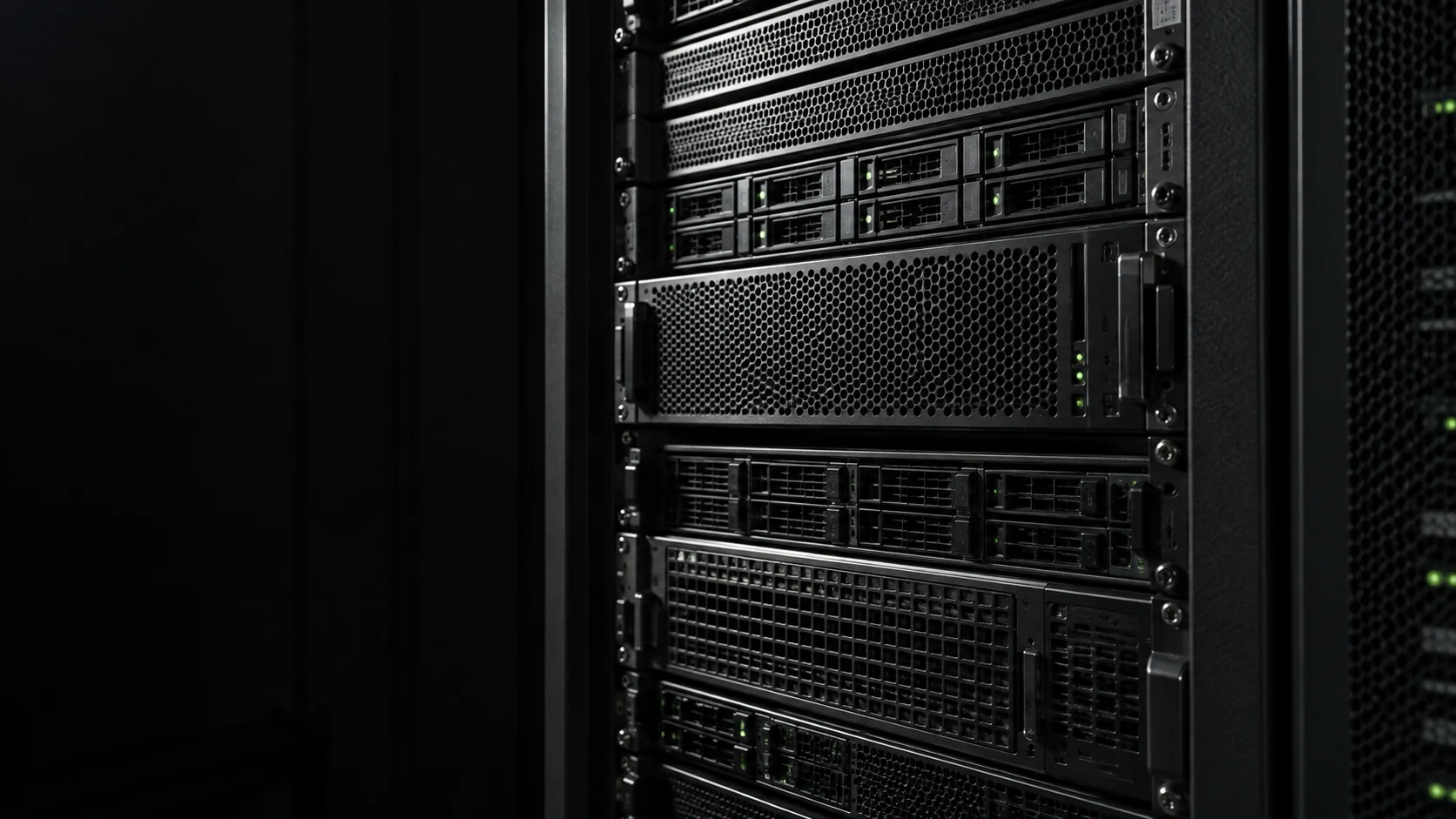
LAYER 01 / INFRASTRUCTURE
System configuration review
We inspect sshd_config, sudoers, account and file permissions, firewall rules, and exposed services, recording evidence for risky settings.
AI-ASSISTED SECURITY AUDIT
Review today. Protect what comes next.
An AI-assisted, manually verified review of server configuration and known vulnerabilities.
Request a reviewYour service evolves. Your security review should too.
From open ports to outdated plugins, we review actual configuration and logs to identify your next steps.
diagnostics · no unapproved changes
removed as soon as the audit ends
scope and delivery date agreed after intake
performed only after client approval
LAYER 01 / INFRASTRUCTURE
We inspect sshd_config, sudoers, account and file permissions, firewall rules, and exposed services, recording evidence for risky settings.
LAYER 02 / APPLICATION
We inspect application source and configuration files for exposed secrets, unsafe permissions, outdated CMS components, plugins, and known vulnerability candidates.
LAYER 03 / EXPOSURE
We review authentication logs, open ports, running services, and package versions to find repeated failures, unnecessary exposure, and pending updates.
※ AI-flagged items are included in the report only after they are checked against actual server settings and public evidence.
We break 12 security areas into 30 specific checks and clearly show what each plan covers. Diagnostics are performed safely over SSH with read-only commands.
Included checks · 30 / 30
THE DELIVERABLE
Understand what we found, why it matters and what to address first in an evidence-based report.
Timing depends on server count and agreed scope.
CONFIDENTIAL / SAMPLE
Share your environment and preferred plan. We confirm scope, timing and cost before proceeding.
We provide a temporary audit-account guide. Access is removed immediately after the review.
We prioritize read-only commands and verify AI-assisted findings against actual settings and public evidence.
We return a PDF risk matrix and recommended-action estimate. Remediation is optional.
From a focused diagnostic review to remediation, subscriptions, and incident response. Start with one server and pay only for what you need.
10 essentials — core exposure and configuration review
₩99,000/server
VAT excluded · ₩60,000 per additional server
Apply20 in-depth checks — AI-assisted evidence review and priorities
₩249,000/server
VAT excluded · ₩150,000 per additional server
ApplyAll 30 checks — penetration simulation and 6-month recheck
₩690,000/server
VAT excluded · ₩420,000 per additional server
Apply₩400,000 per additional hour · VAT excluded
Security Assessment / INTRODUCTION
Explore the key features and how to use them.
We use AI as an assistant to quickly organize configuration and log items worth checking.
The final report records verifiable evidence such as actual settings, version information, public CVEs, and logs. A person reviews priorities and potential false positives.
We recommend adding our public key to a time-limited temporary audit account. Diagnostics prioritize read-only commands, and any configuration change requires separate approval.
After the review, we guide you through removing the temporary account and registered key.
We prioritize read-only commands and low-load checks. Work that could add load, such as large log analysis or external scans, is scheduled and scoped in advance.
Actual remediation, such as installing fail2ban or rebuilding TLS, proceeds only after client approval and is documented before and after.
Timing depends on the number of servers, log scope, web services, and CMS configuration. We confirm the available audit window and report date after reviewing the intake.
Emergency response is scheduled separately after we confirm the current situation and access.
Yes. Our WordPress-specific review covers core-version vulnerabilities, known plugin and theme CVEs, wp-config.php permissions, admin accounts, wp-admin protection, REST API exposure, and XML-RPC status.
We also match the vulnerability history of popular plugins such as Elementor, WooCommerce, and Contact Form 7 against CVE databases.
Yes. Remediation is optional. The report includes an estimate for each item: A small ₩90,000, B medium ₩250,000, or C large from ₩690,000. You can select only the items you need.
Clients who purchase a diagnostic report receive 10% off remediation rates. Urgent work can also be billed hourly at ₩250,000.
Yes. We support most IaaS environments with SSH access, including AWS EC2 and Lightsail, GCP Compute Engine, Azure VM, Naver Cloud, NHN Cloud, KT Cloud, and Oracle Cloud.
Docker and Kubernetes hosts can include container-level checks when access is available. Managed services without host access, such as RDS, Aurora, and managed Redis, require a separately agreed IAM-based scope.
If you do not yet have a clear baseline, start with a one-time Lite ₩99,000 or Standard ₩249,000 audit.
For commerce, membership, payment, and other high-impact services, the strongest combination is an initial audit followed by monthly monitoring from ₩129,000 for new CVEs and configuration drift.
(Ubuntu, Debian, CentOS, RHEL, Amazon Linux, and more) — all 30 checks
supported when SSH access is available
partial PowerShell-based review when OpenSSH Server is enabled
full core, plugin, and configuration review
containers included when host access is available
broad IaaS support
(RDS, Aurora, managed Redis, and similar) — no host access; IAM-based scope requires separate discussion
(firewalls, routers, switches) — quoted separately
(brute force, exploit execution, DoS) — not performed due to cloud TOS risk
requests are refused
diagnostics prioritize low-load queries; changes require user approval
outside the security-audit scope
YOUR SECURITY STARTS WITH VISIBILITY.
Tell us about your servers and concerns. We will agree on scope and timing.
Request a reviewContact
Tell us where you are and what you want to achieve. We’ll outline a practical scope, process, and estimated budget.
DIRECT
Your inquiry has been received. We will reply within one business day with a scope and an estimate.