K
KakaoTalk
Share through Korea’s leading messenger
WordPress Plugin
Help visitors share your content on KakaoTalk, Facebook, X, Telegram, Naver, and other major networks. Arrange buttons with drag and drop, then fine-tune where they appear for each content type.
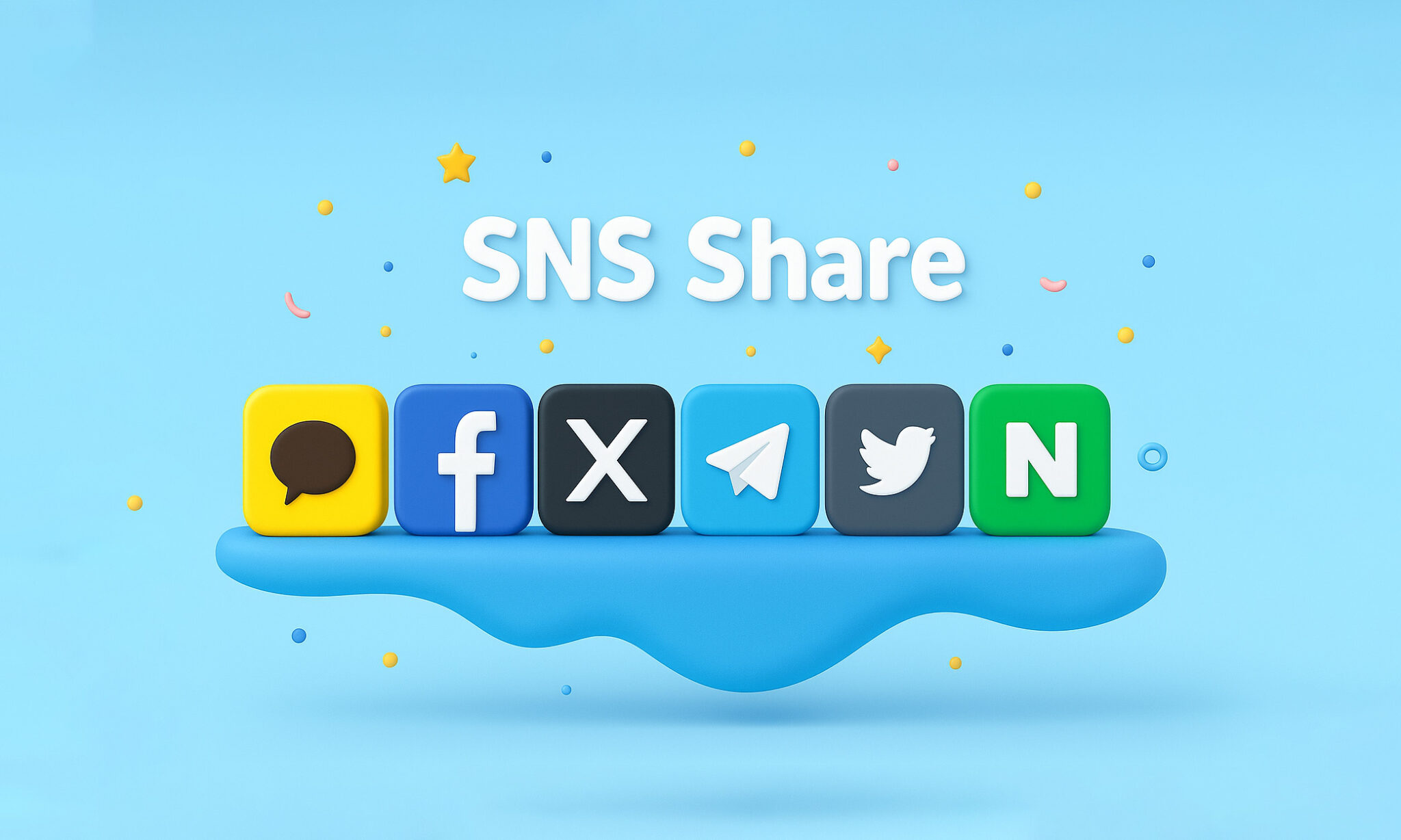
Supported Platforms
Bring familiar social channels together in one plugin and share with a single click.
Share through Korea’s leading messenger
Reach a global social network
Share news and updates in real time
Share through a privacy-focused messenger
Connect with the Naver ecosystem
Key Features
Customize the experience through a clear interface without wrestling with complicated settings.
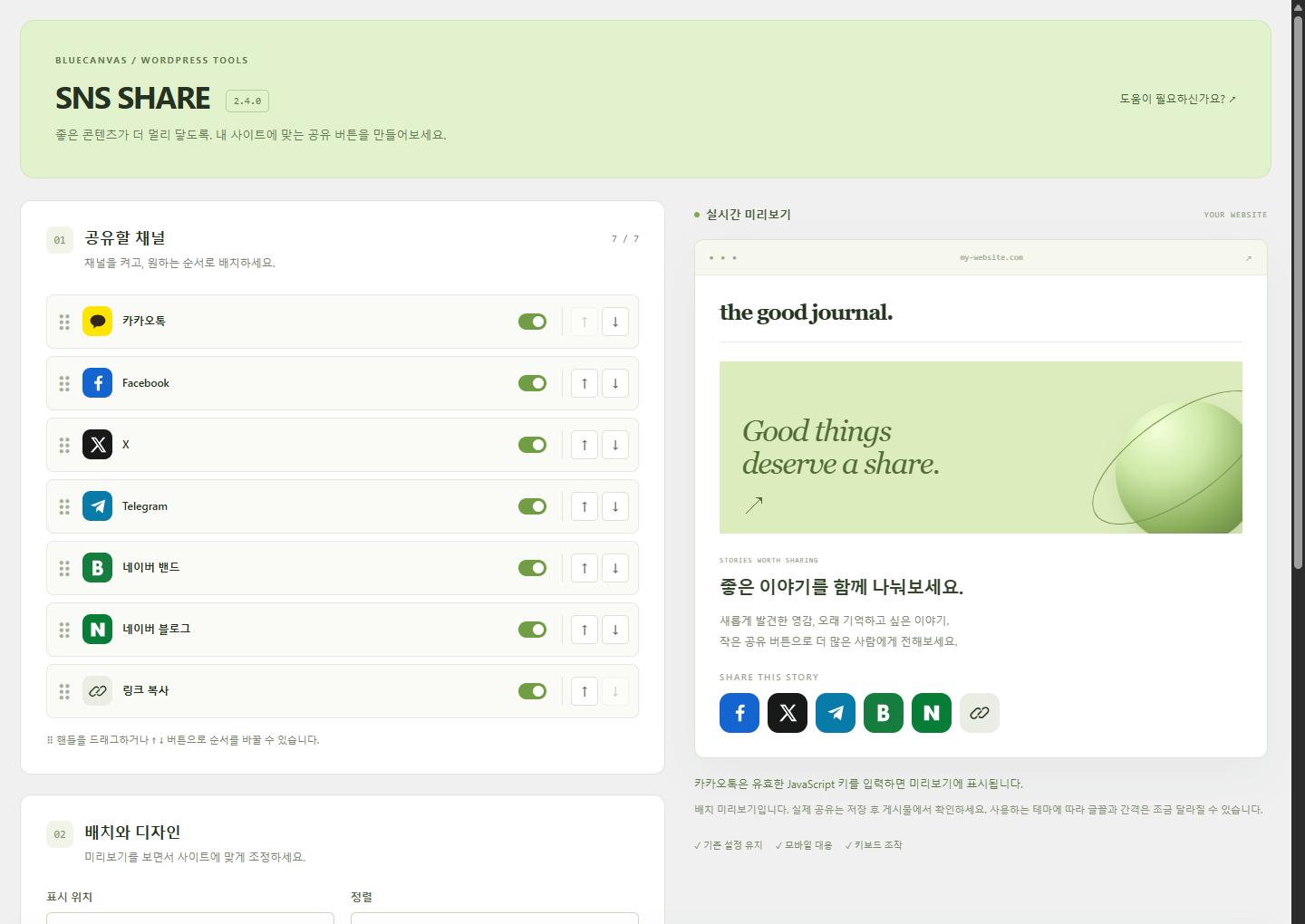
Enable channels with switches, then reorder them by dragging or using the up/down buttons. Preview the layout and save your changes.
Place buttons above posts, below them, or in both locations to match your theme and layout.
Decide where buttons appear across posts, pages, and custom post types.
Choose left, center, or right alignment so the buttons fit naturally into your design.
Optimized code loads only the scripts that are needed and keeps page-speed impact low.
Share buttons adapt cleanly across phones, tablets, and desktop screens.
Installation Guide
Upload the plugin, arrange the buttons on the settings page, and start using it right away.
Upload and activate the ZIP under Plugins in WordPress Admin. Then open Settings → SNS SHARE. Version 2.4 requires WordPress 6.4+ and PHP 7.4+.
Enable the channels you want, reorder them, and choose the position, alignment, shape and size using the live preview.
Save your changes and open a post to confirm the buttons display correctly. Adjust alignment or content types if needed.
Technical Details
Some platforms need an extra configuration step. Use the notes below as a guide.
To enable KakaoTalk sharing, register an app in Kakao Developers and issue a JavaScript key.
The plugin opens the Facebook sharing page with the post URL. No App ID or app secret is required.
The plugin works with most WordPress themes, though button styles may look different in heavily customized themes.
Screenshot
A clear admin screen makes setup approachable for anyone.
FAQ
Common questions about installation and social sharing settings.
Version 2.4 requires WordPress 6.4 or later and PHP 7.4 or later. Tested on WordPress 6.4.12 / PHP 7.4.33 and WordPress 7.1.2 / PHP 8.3.30.
Use the JavaScript key from Kakao Developers. Register your site in both JavaScript SDK domains and Product link web domains. Without a key, the KakaoTalk button is hidden.
Choose icons or labels, three button shapes and three sizes in the live preview. For further styling, use the additional CSS feature in your WordPress theme.
Yes. The responsive layout keeps the buttons usable on phones, tablets, and desktop screens.
Yes. All features are available free of charge, with no usage limits, including for commercial sites.
Make your content easier to share and bring more visitors back to your site.
Free downloadProgram Feedback
Bug reports, improvement requests and feature ideas are all welcome. Include the steps to reproduce and your environment, and we can fix it much faster.
Need a quick answer?
Your report has been received. We’ll review it and get back to you.