
 Badagyeol Stay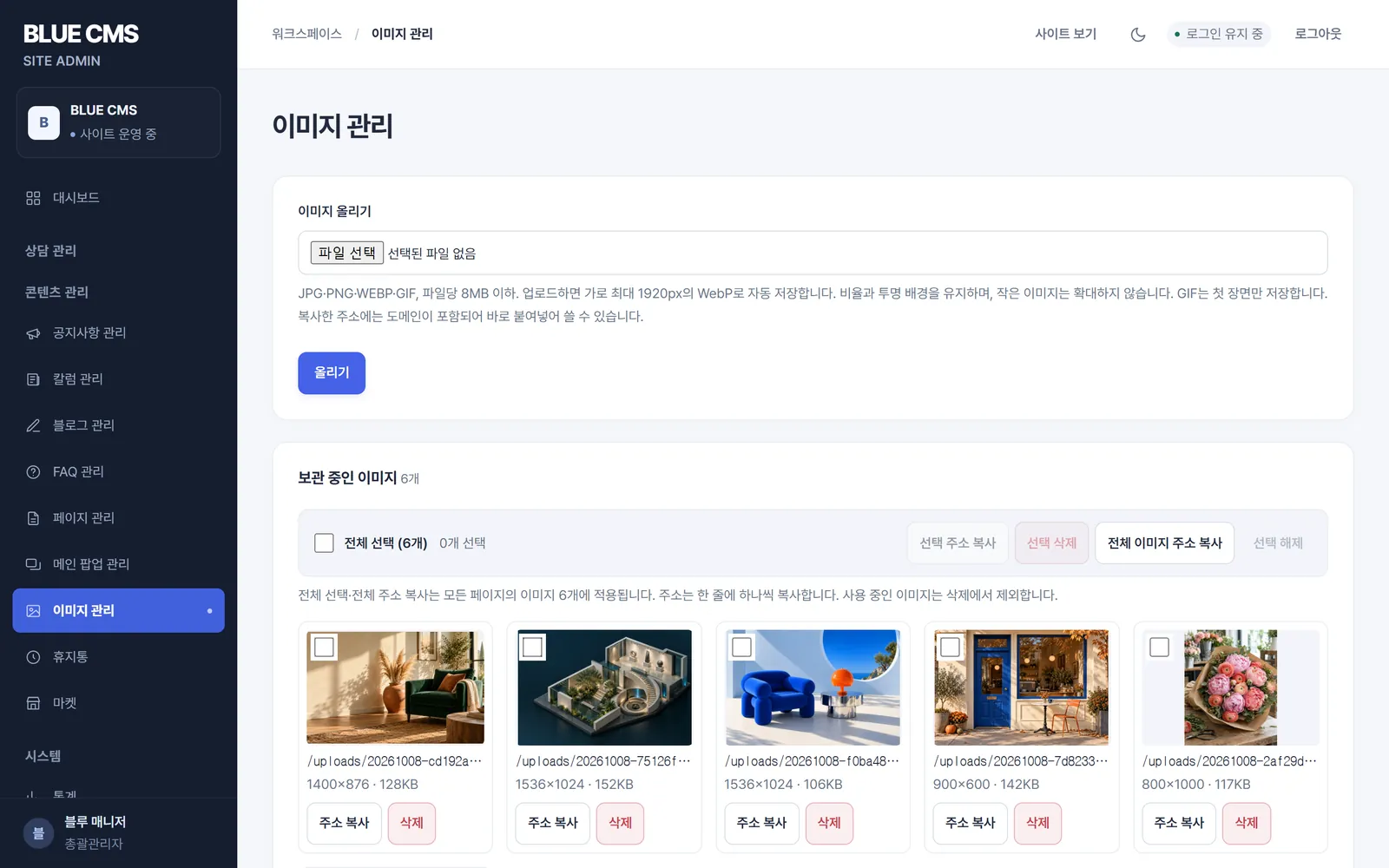
01
Image Management
View uploaded photos in one place. Even if you select multiple photos and copy the address at once, and even if you try to delete the photo you are writing about, it will not be deleted.

BLUE CMS · website Manager
Update notices, articles, blogs, FAQs, pop-ups and images yourself after launch. BLUE CMS is BlueCanvas’s own content management system, configured for your website during development.
FRONT & BACK
These are the front and back of the same site. Notices, columns, blogs, FAQs, and pop-ups that visitors see are all changed on the administrator screen on the back.

announcement
NEWOctober consultation reservation operation informationClosedNotice of Chuseok holiday closuretidingsSeongsu Showroom Renewal Opencolumn

 October Event×
don't watch todayClose
WRITE & PUBLISH
HISTORY & TRASH
Each time you save a post, the previous content remains as history. Up to the most recent 30 posts are saved for each post, and you can return to them at any point in time. The returned post will be temporarily saved, so please check it before posting again.
Deleted posts and pop-ups are moved to the Recycle Bin. When restored, it returns to the temporary storage state, and permanent deletion can only be done by the general administrator through the confirmation window.
MAIN POPUP
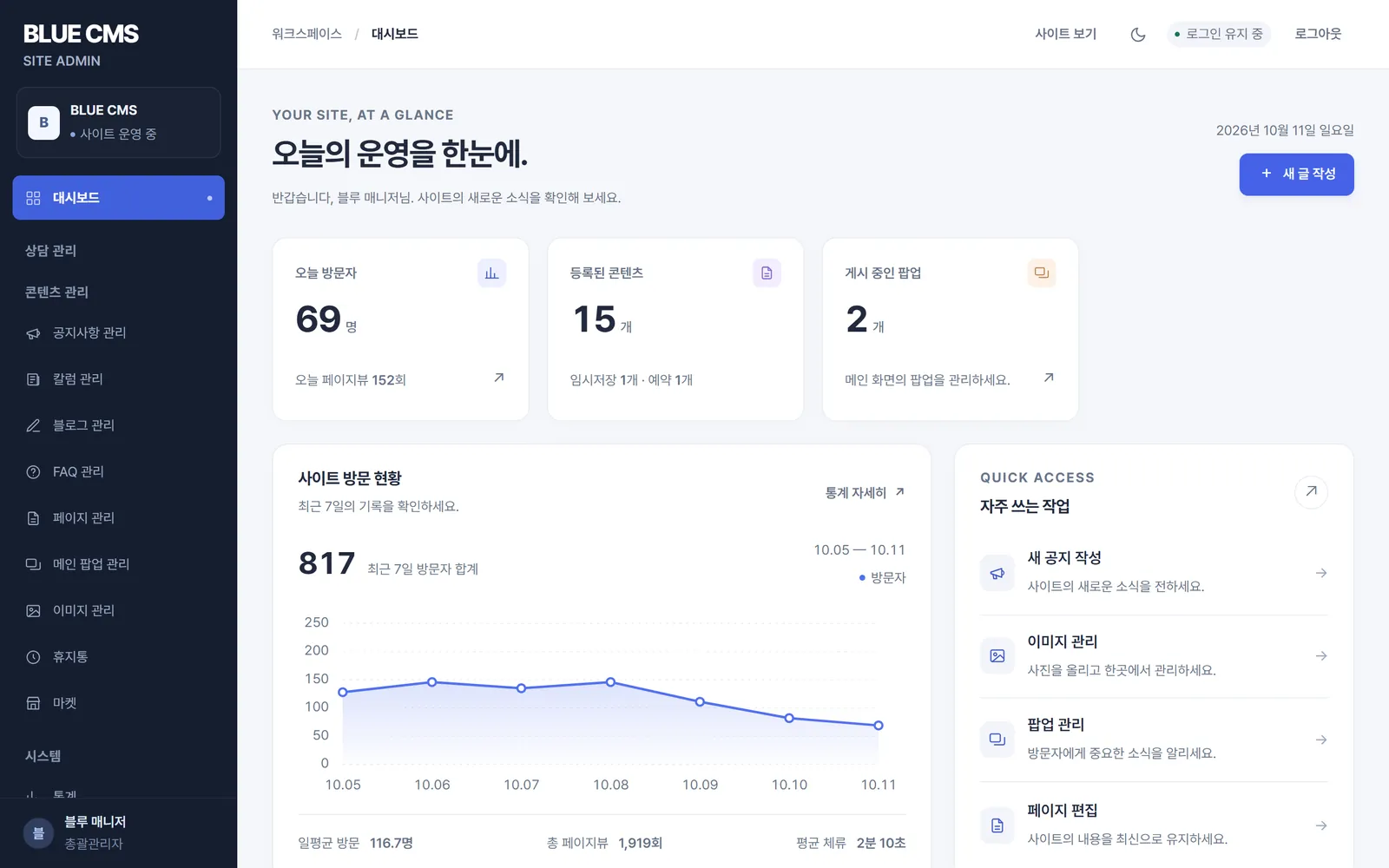
If you set a time to start and end exposure, a pop-up will appear on the main screen only during that period. You can specify the position and width, and visitors can choose not to open the pop-up for a set period of time, such as a day or a week.
OPERATIONS
View uploaded photos in one place. Even if you select multiple photos and copy the address at once, and even if you try to delete the photo you are writing about, it will not be deleted.
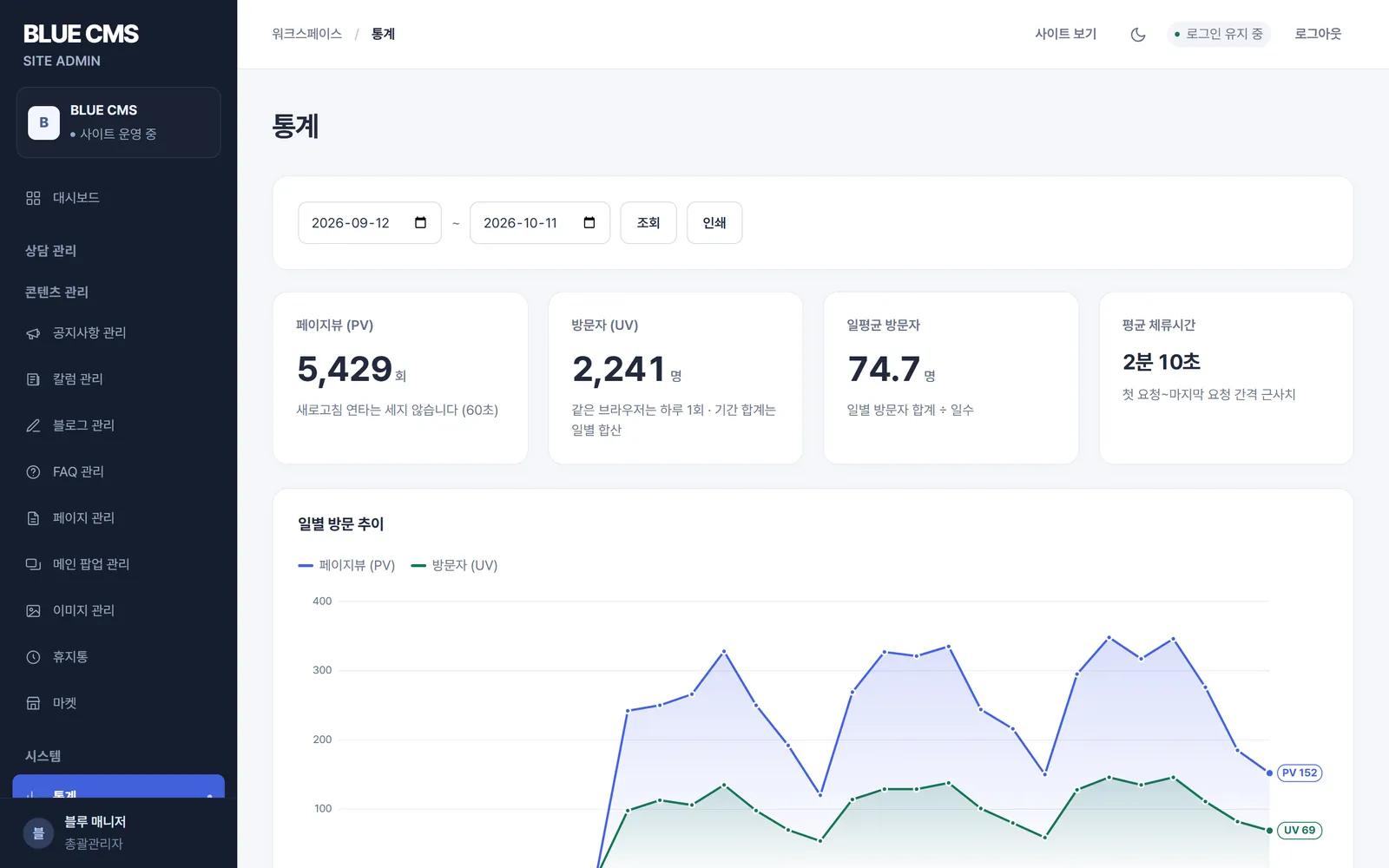
View visitors and page views, average time spent, and most viewed pages by period. Access between search engine robots and administrator screens is not counted.
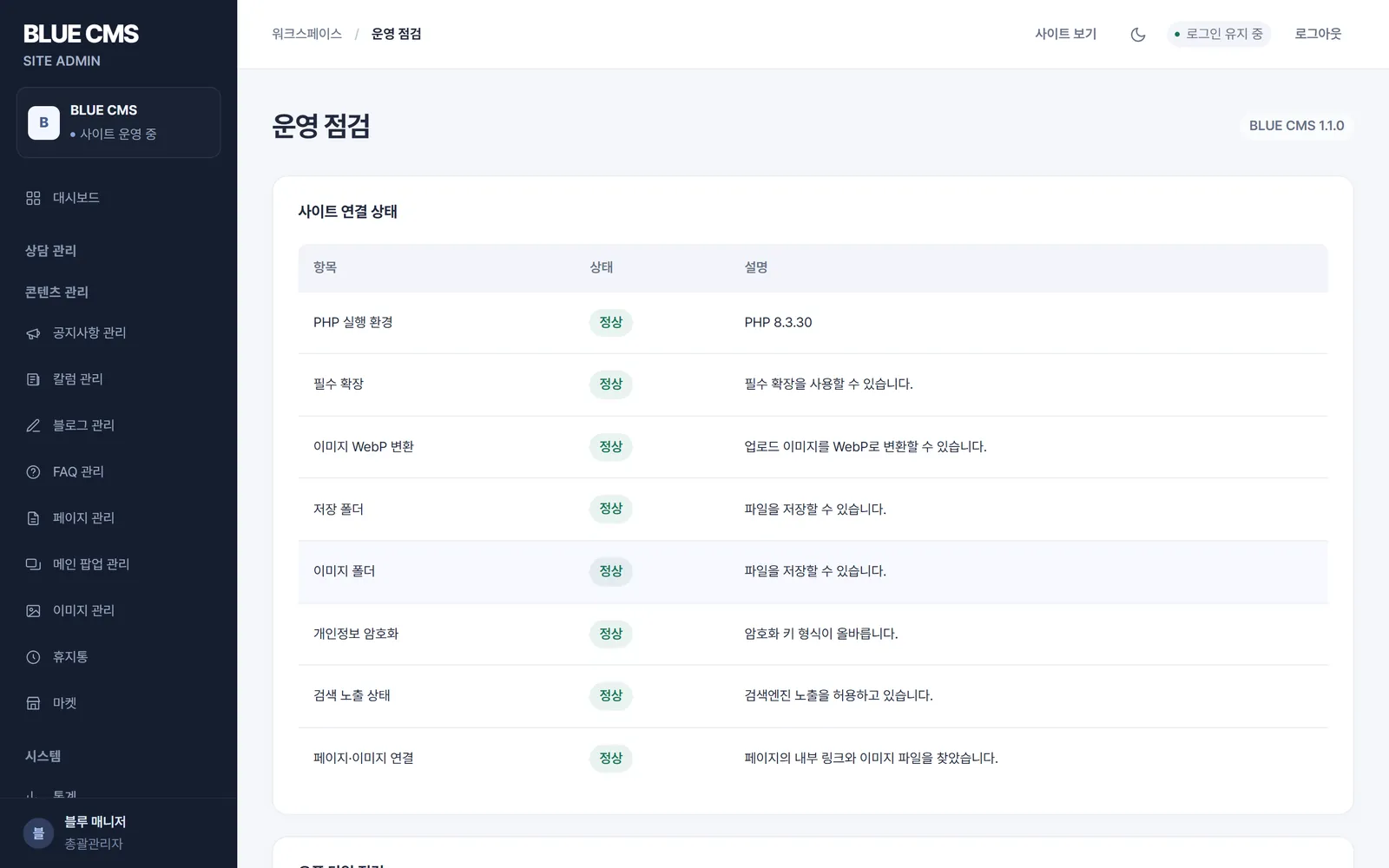
Check the PHP environment, photo conversion, storage folder, personal information encryption, search exposure status, and broken links and images on the page on one screen.
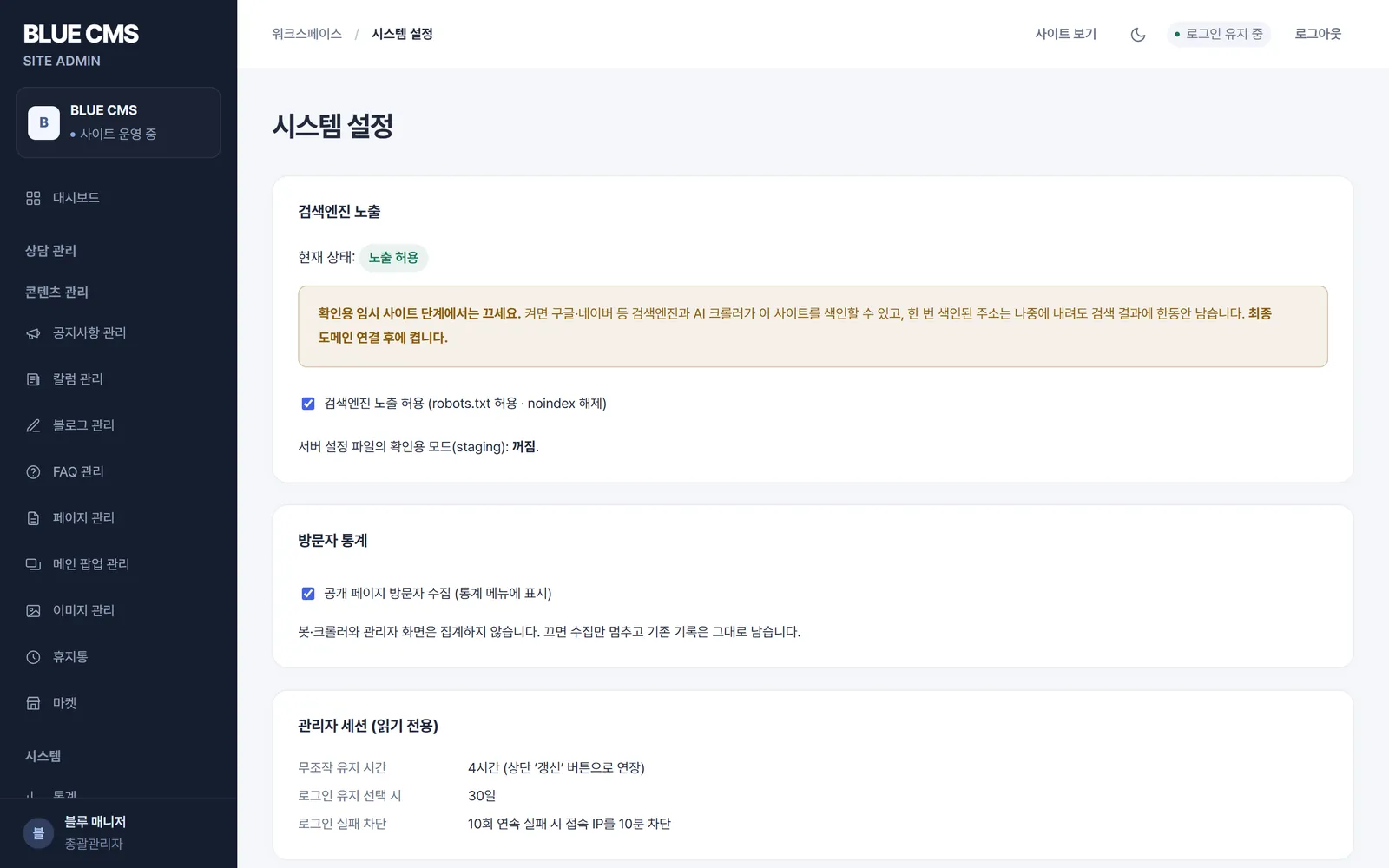
Before opening, search engine exposure is blocked, and the administrator allows it on the day the final domain is connected. robots.txt and sitemap are created automatically by the site.
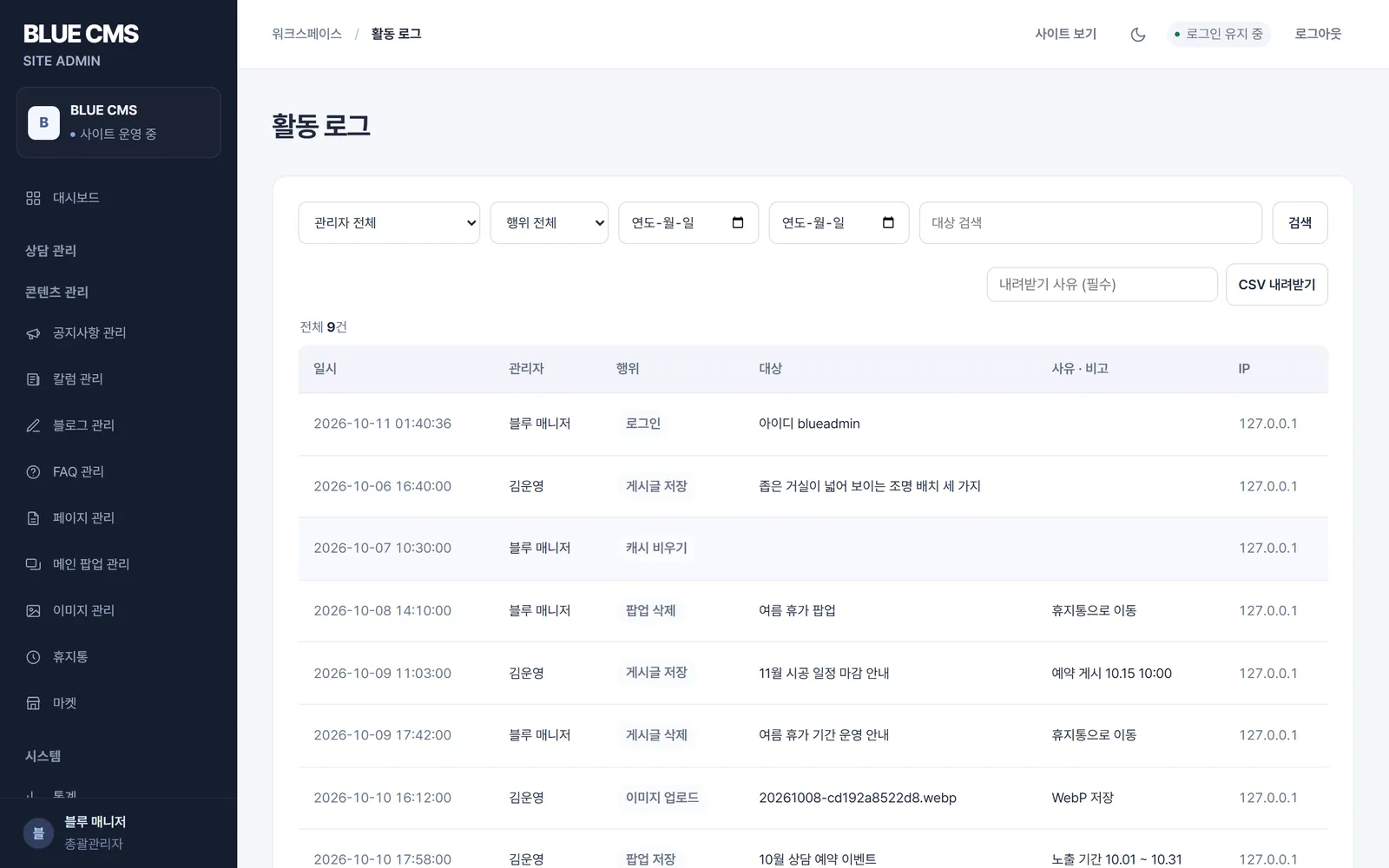
Divide general manager and operator authority. If you fail to log in 10 times in a row, access to that IP will be blocked for 10 minutes and a record of who changed what and when will be recorded in the activity log.
inc/config.phppublic/uploadsstorage/revisionsCreate a DB backup file on the server and export the content as a JSON file in the manager. We decide to keep the settings files and uploaded images separately.
MARKET
Purchase sticker sets of various categories, such as animals, vehicles, and food, on a domain-by-domain basis and add them to your post using the ‘Insert Stickers’ button in the editor.
View sticker collectionSend SMS and LMS messages using your prepaid balance, and check your balance and sending history. The service is available after you connect your BlueCanvas account and your sender number is approved.
We are preparing to launch Smart Editor. Currently, only release previews are available on the market.
Preparing for releaseANY DESIGN
BLUE CMS does not have a set screen design. Create a new design for each site, put a marker in the place where the bulletin board should be, and a list of notices, columns, blogs, and FAQs will appear in that place. Even if the industry and brand are different, the management method is the same.
HOW IT STARTS
BLUE CMS is installed along with website creation. We do a fresh install for each site, so data from different sites doesn't get mixed up.
Decide whether to use the necessary bulletin boards, menus, pop-ups, and visit statistics.
Design the screen according to the brand and decide where the bulletin board list will go.
Each site installs with a new database and new encryption keys. Accounts, posts, or images from other sites are not included.
While filling out the content and checking the screen, it is blocked from being exposed to search engines.
Connect your final domain and allow search engine exposure. Visitor statistics are also collected from this time.
We will create an administrator account and confirm the backup target and frequency.
SCOPE
Features that you use as soon as you open the site are included when you install them. Functions that vary from site to site, such as membership, multiple languages, and consultation forms, are created separately by determining the scope of the consultation.
We first decide on the features that are absolutely necessary for the website, and the scope of the rest is determined during consultation.
Contact us for functional scopeFAQ
Any questions not answered here will be answered immediately during the consultation. We will also check whether it can be attached to the website you are currently using.
Leave a questionNo code is required to write and edit. Just write a post in the editor, upload a photo, and save it. Changing the screen design is done during the website creation stage.
If you set a date and time to publish and save it, the post will appear on the list and detail pages from that time. Before that, it is not visible to visitors.
Every time you save a post, the previous contents are saved as history, and up to the most recent 30 posts are saved for each post. If you select a desired point in the history, you will return to the content and it will be temporarily saved so that you can check it. Deleted posts and pop-ups can be restored from the Recycle Bin.
Divide accounts into general administrator and administrator privileges. Operational inspection, system settings, administrator account management, and activity logs can only be viewed by the general manager.
If you register the address of another site's post in a column or blog, the post will open in a new window when you click the list card. These posts do not create a detail page and are also excluded from the sitemap.
It's not included right now. If members, comments, and multiple language operations are required, they will be developed separately, and the scope will be determined together during consultation.
Install on a server using PHP 8.1 or higher and MySQL. Set up your web server to face the CMS's public folder and connect over HTTPS.
You can create a DB backup file on the server, and export the content as a JSON file from the manager. Since the settings file and uploaded image must be stored separately, decide the backup target and cycle when opening.
Let's start by organizing what bulletin boards and functions are needed.
Contact
Tell us where you are and what you want to achieve. We’ll outline a practical scope, process, and estimated budget.
DIRECT
Your inquiry has been received. We will reply within one business day with a scope and an estimate.
















 Bread baked fresh every morning
 We tie the seasons together
 Spicy and sweet again today
 far and lightly