Partner
This is the color of our global partners. The deep blue color of the Foundation CI is inherited and used for badges and host markings in the grid.

 PARTNERING
The Korea Drug Development Fund's partnering event has been moved online. Find a company, chat, request a meeting, and the system will find an open time and table for you.
The Foundation's partnering events attract two types of participants. It is a domestic bio company supported by partners such as global pharmaceutical companies and investment companies, and foundations. The process of finding each other, conveying interest, and setting up a short meeting went back and forth between email and Excel.
We've grouped the process into one flow. Corporate directories and bookmarks, cross-company chat, meeting requests and acceptance, non-overlapping automatic schedules, and administrator bulk matching and table assignment all on one platform.
Visit the operating platformPartner and participating company, two roles find each other
All meetings are spaced in 30-minute slots
Request, confirmation, change, rejection, cancellation, message, six notifications
Even on the same screen, the companies you see and the things you can do are different depending on your role.
The two flows meet at the meeting table.
We selected deep blue and light blue from KDDF's CI Blue and applied them to partners and participating companies, respectively. Whether it's your login badge, admin grid, or chat history, you can tell who's who just by looking at the colors.
The more functions a service has, the more important the status color is. Wait, Confirm, Reject, and Cancel were designated as amber, green, and red so that they could be distinguished by color before reading the sentence, and were written with the same meaning on all screens.
This is the color of our global partners. The deep blue color of the Foundation CI is inherited and used for badges and host markings in the grid.
This is the color of the participating company. It is the same blue color, but the brightness has been increased so that it can be distinguished at a glance.
It only writes to elements that the user clicks on, such as sending, saving, and sending requests, and messages that you send.
This is where long company introductions and schedules are placed. I made the white color of the card appear slightly higher than the background.
The life cycle of a request begins with waiting and ends with either confirmation, rejection, or cancellation. The same color means the same thing on any screen.
The list changes instantly as you select a therapeutic area, modality, and development stage. Each company can have multiple values, so if any one is correct, it will be displayed. Below is a demo created with a fictitious sample company.
Save companies of interest as hearts. The saved list is divided into two tabs, “Companies I’m interested in” and “Companies I’m interested in,” so you don’t miss out on the interests of others.
We are developing an antibody-drug conjugate program targeting HER2-low-expressing breast cancer. We are looking for a global joint development partner ahead of entering phase 1 clinical trials.
We are researching approaches to slowing the progression of degenerative brain diseases using small molecule candidates that pass the blood-brain barrier.
We are designing a cell gene therapy platform for autoimmune diseases and propose early-stage collaborative research.
Phase 2 clinical trials are underway to improve the convenience of taking metabolic disease treatments with a peptide formulation that can be administered orally.
We have next-generation conjugate linker technology targeting solid tumors and are considering technology transfer and joint development.
Phase 1 clinical trials for gene therapy for hereditary retinal diseases are underway in Korea.
This is the stage of discovering recombinant protein candidates that regulate the inflammatory pathway of chronic respiratory diseases.
Targeted anticancer drug candidates targeting resistance mutations are being evaluated in phase 1 clinical trials.
We are seeking regional commercialization partners based on phase 2 clinical data for a bispecific antibody for inflammatory bowel disease.
No companies match the selected filters.
Arvenne Bio develops antibody-drug conjugates for HER2-low breast cancer. Our lead program completed IND-enabling studies and is preparing for a first-in-human study.
Thank you for visiting our profile. Our HER2-low ADC program just completed IND-enabling studies.
Great to connect. Could you share the Phase 1 design summary?
Sure. It is in our Files section. Happy to walk you through it in a meeting.
[Meeting Request] Licensing discussion for the ADC program. Awaiting acceptance.
Request received. We will accept and let the system pick a slot.
If the person receiving the meeting request accepts it, the platform will find a slot that is free for both companies, has not been blocked as unable to attend, and has no other meetings at the same time, and confirms it immediately. Duplicate requests between the same two companies are prevented from the beginning.
If you want to change the time, it will automatically reselect, or both companies will manually pick from a list of empty slots. For cancellation, leave a reason and pass it on to the other party.
"Licensing discussion for the ADC program. We would like 30 minutes on day 2 if possible."
「Auto Scheduling」 selects randomly again, and 「Manual Selection」 lists only slots that are empty for both companies.
Times that are difficult to attend will be locked directly on the schedule. The space containing confirmed meetings cannot be locked.
Requests, confirmations, changes, rejections, cancellations, and new messages are sent through a toast on the screen, a bell at the top, and an email to those who have it turned on.
My schedule, sent requests, received requests, and inquiry records are all downloaded into Excel and used right away at the event venue.

Top companies get fixed tables, while the rest of the meetings get non-overlapping empty tables at the same time. The results are printed out as a chronological list by table and posted at the event venue.
The five screens of the administrator console that runs the event were redrawn with the same configuration. Grids, reports, request lists, chat history, and slot settings are all in the same place and with the same functionality as on the actual console.
The company name, person in charge, and message are all samples created for explanation purposes. Change the screen by clicking the tab or menu on the left side of the console.
Time The time zone and company you hover over are highlighted, and meetings that overlap at the same time are warned with a border.
See who requested whom and when in one table and process confirmation, rejection, return to waiting, and deletion. Unavailable hours or duplicate requests will be badged.
Immediately after signing up, you will not be able to log in because it is in a waiting state. If the administrator approves, an information email will be sent, and whether to disclose the company can be selected among automatic, always public, or hidden.
Filter messages by date and time and view your business-to-business conversation history again in speech bubbles from an endless list.
Emails are sent automatically depending on the situation, including new inquiries, requests, confirmations, rejections, cancellations, schedule changes, table assignments, account approvals, and password resets. It is up to the participant to decide whether to receive it or not.
For event notification pop-ups, you can set the period, device, and even “do not view for N days.” Once the event is over, logins for each role will be locked and only a notice will be left.
Save and revert matching, calendar, account, and corporate areas as snapshots without touching actual operational data, and practice setting up your next event in advance.
The company detail page is the most-visited screen on this platform. To ensure that reading the introduction and starting a conversation do not interfere with each other, I drew and compared three structures.
The final plan is the third. The structure of broadening the introduction when reading and broadening the conversation when speaking brings both actions to life.
Launch a chat window right from the card without leaving the list. It's fast, but it's difficult to read the introduction and have a conversation, and on mobile, the window covers the screen.
Suitable for list-centric / overlapping windows / short conversationsRead through the introduction and then start the conversation below. The flow was natural, but replies had to go all the way down the screen, and the conversation got buried in long profiles.
Reading-centric / Vertical flow / Low conversation discoverabilityOn the left is the introduction, and on the right is the dialogue. Normally, the introduction is broad, and the moment your hand touches the input window, the conversation becomes wider. You can talk while referring to the introduction, and a record of the meeting request is also left in the same place.
Maintain both actions / Width switching 0.5 seconds / Mobile switches to portraitOn the day of the event, participants will not open their laptops. The menu slides out from the right, the two panels turn vertically, and you can flip through the schedule with your finger so you can check today's schedule, table number, and just-arrived messages with one hand.
Could you share the Phase 1 design summary?
Uploaded to Files. Let's walk through it at 14:00.
[Meeting Confirmed] Sep 24 · 14:00 – 14:30
Perfect, see you at table 12.
We created the basic flow of partner/participating company registration, company list, meeting request, and schedule.
Event unit settings and email templates have been organized so that the GBS and CPG symposiums can be operated under the same account system.
We have increased the number of notification types to six so that meeting acceptance and schedule changes are immediately delivered via toast, bell, or email.
We've redesigned the card list, interactive favorites tab, chat panel that expands as you read, and corporate disclosure settings.
Multi-selection of treatment field, modality, and stage, batch automatic matching, table assignment, assignment report, and test sandbox were added.
Since this is a service that contains participant information, the screen after logging in was replaced with a sample demo from this page. Anyone can view the home screen and login.
Visit partnering.kddf.orgApplication and screening, matching and schedule, notifications and reports.
We design the work that used to be done manually into a single flow.
Contact
Tell us where you are and what you want to achieve. We’ll outline a practical scope, process, and estimated budget.
DIRECT
Your inquiry has been received. We will reply within one business day with a scope and an estimate.
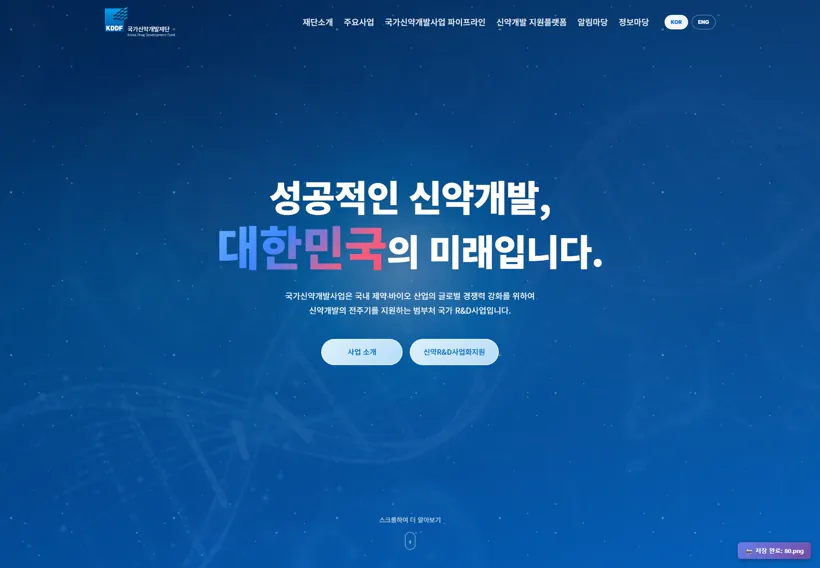 Korea Drug Development FundPublic institution/website production
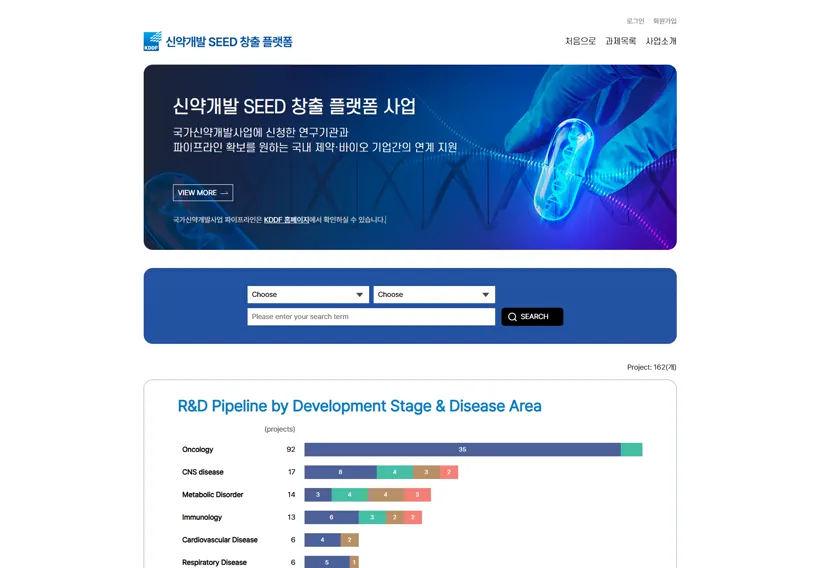 KDDF SEED PlatformPublic/Platform/Web Service
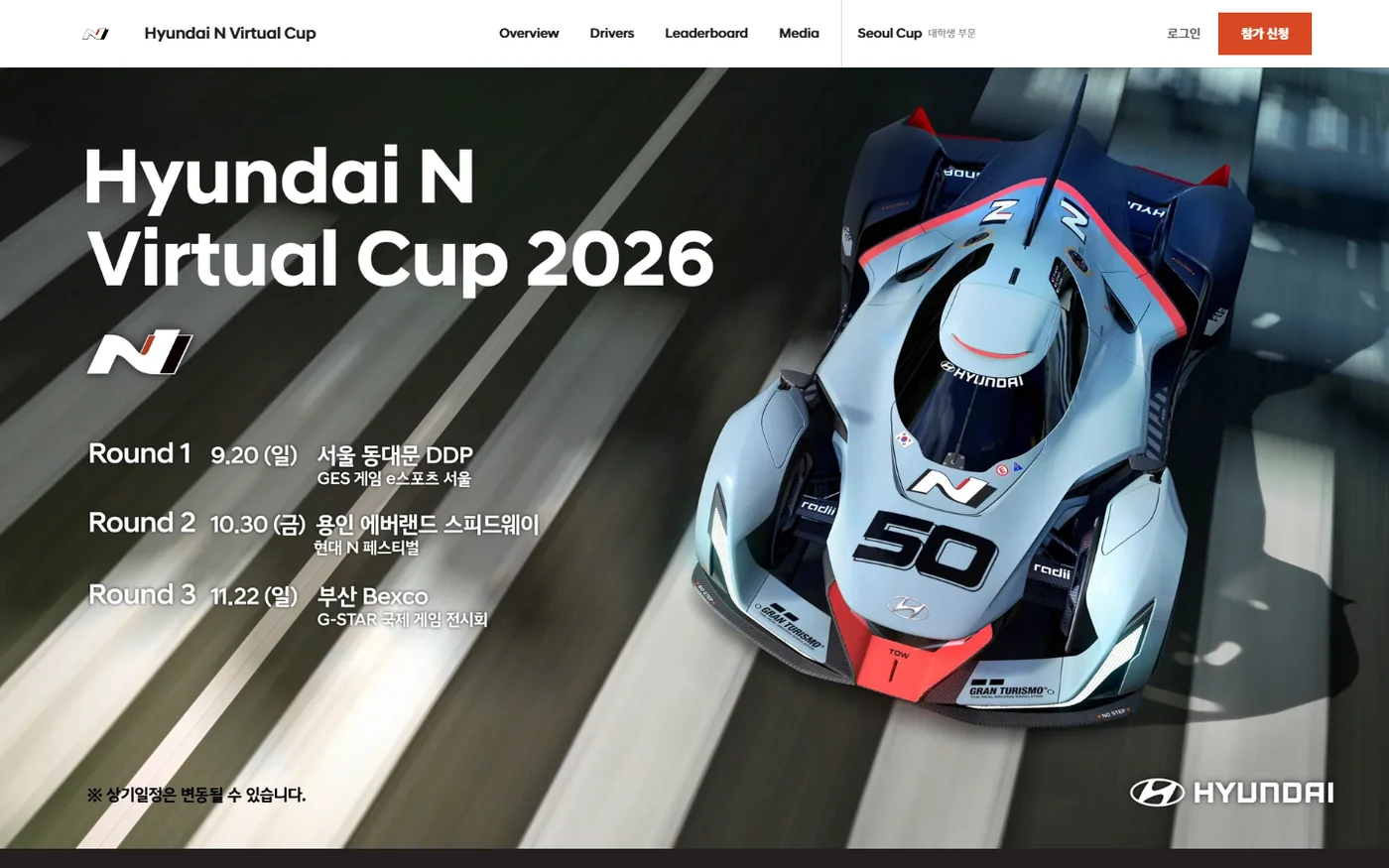 Hyundai N Virtual Cup 2026Brand/esports/contest management web